01
Venue TV Boards
Take the full screen when the venue schedules it.
Use approved sponsor artwork in the venue-managed TV rotation. The venue controls placement, schedule, and available placements.

Sponsor placement · Venue-approved placements
Plan where a sponsor will appear on venue TVs, in the guest app, and beside the website calendar. Then review the campaign and its reports in one portal.
Four places to be seen
Available placements depend on the venue, agreement, and schedule. These real examples show where a sponsor can appear.
Venue TV Boards
Use approved sponsor artwork in the venue-managed TV rotation. The venue controls placement, schedule, and available placements.
Live-event placement
Place approved sponsor messaging beside selected venue content, including a sponsor bar on supported TV presentations such as Game Day.

Branded venue app
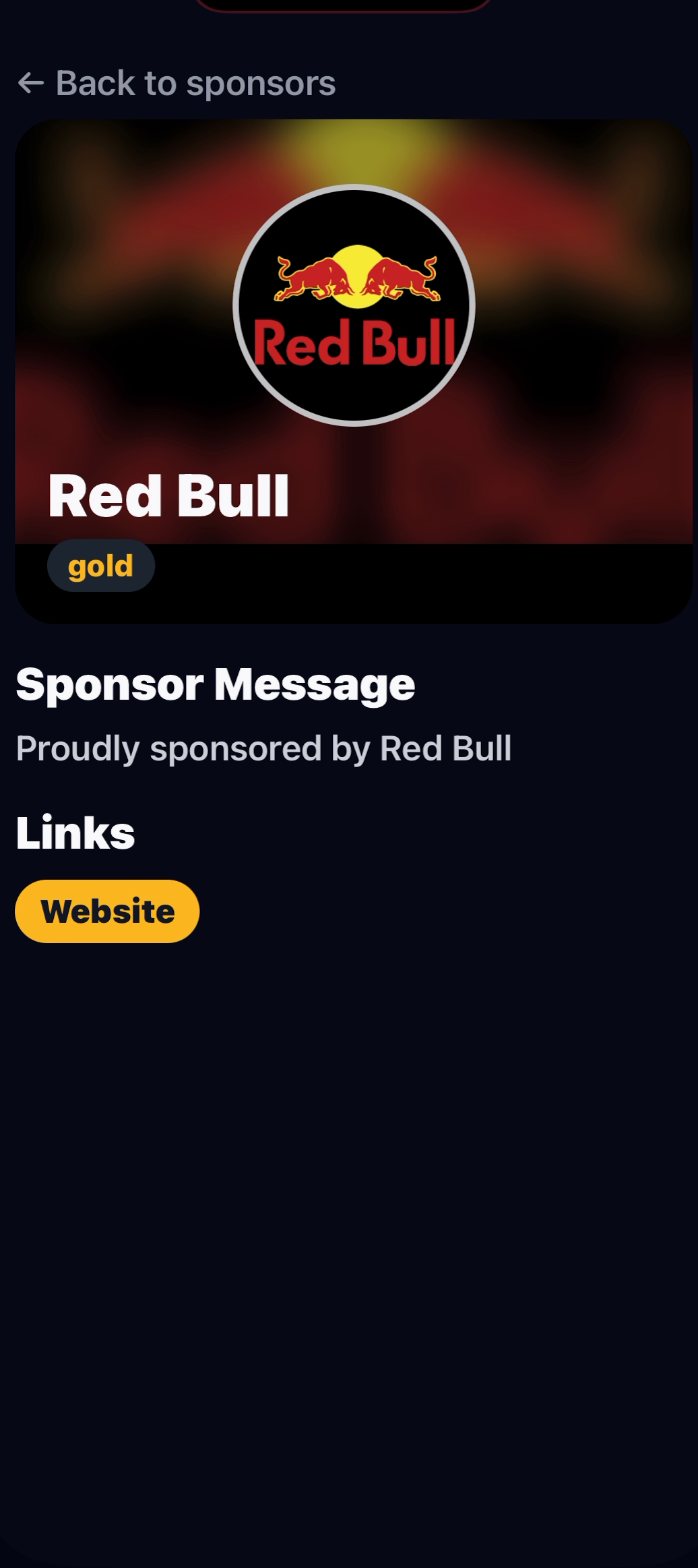
Connect eligible app placements to a sponsor profile with the approved brand message and destination managed for the campaign.
Venue calendar & website
The venue controls sponsor approval, presentation, dates, placement, and commercial terms. The public calendar can be embedded on the venue’s own website while its app QR, Apply to Perform action, and event lineup stay connected.

Reports you can explain to a sponsor
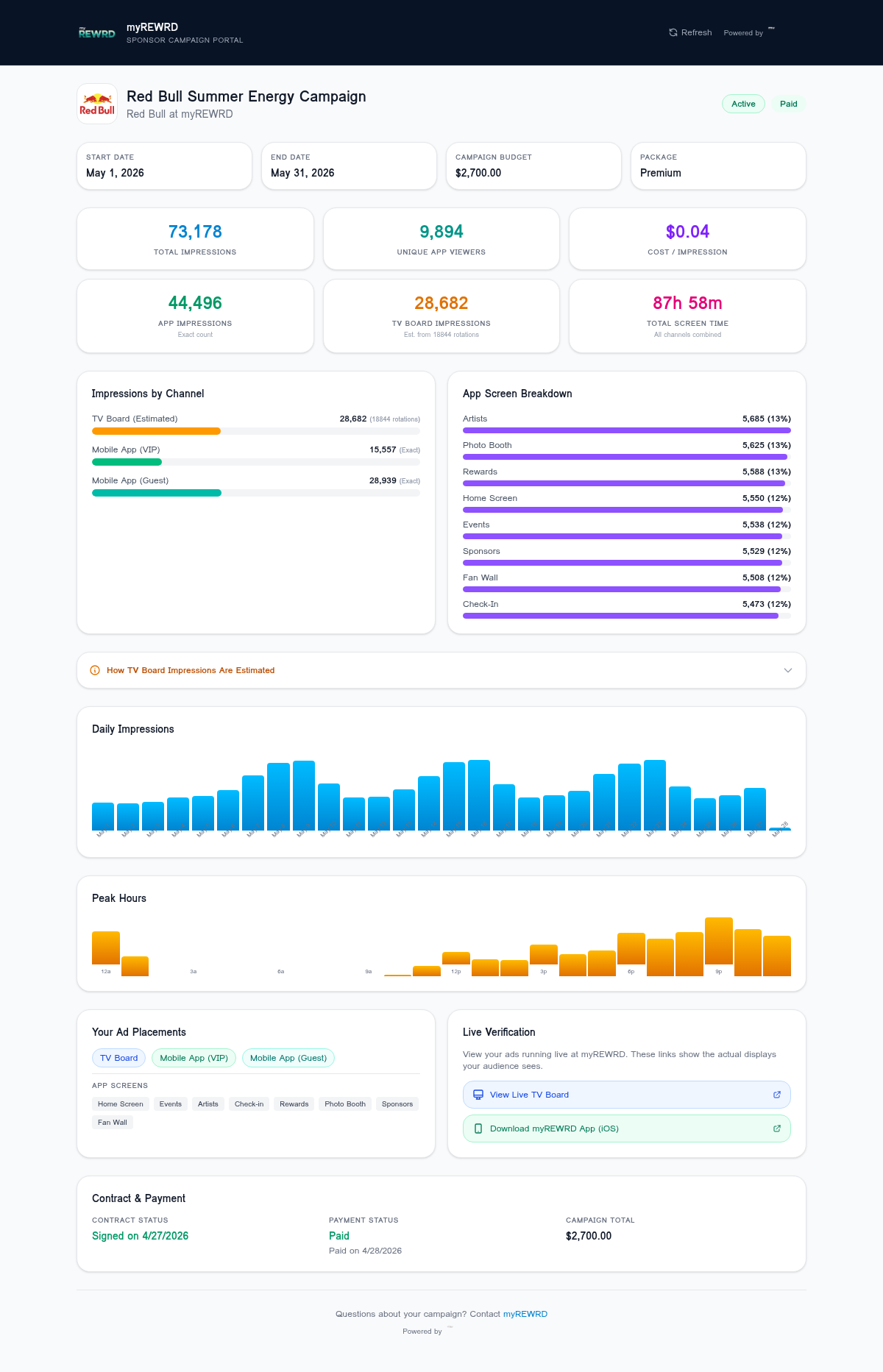
The campaign portal separates recorded mobile-app and Website Calendar activity from TV Board rotation and estimated exposure. It is a campaign operations view—not a guarantee that a placement produced a sale or visit.
Campaign control
myREWRD gives you the tools to manage sponsors, show their campaigns, and review the reports. The venue and sponsor define the relationship, approved creative, placement, schedule, commercial terms, and campaign obligations.
Campaign setup
Agree on where the sponsor will appear, the artwork, dates, and terms before the campaign starts.
For sponsors and venue partners
Start with the venue, dates, approved message, and places you want the sponsor to appear.